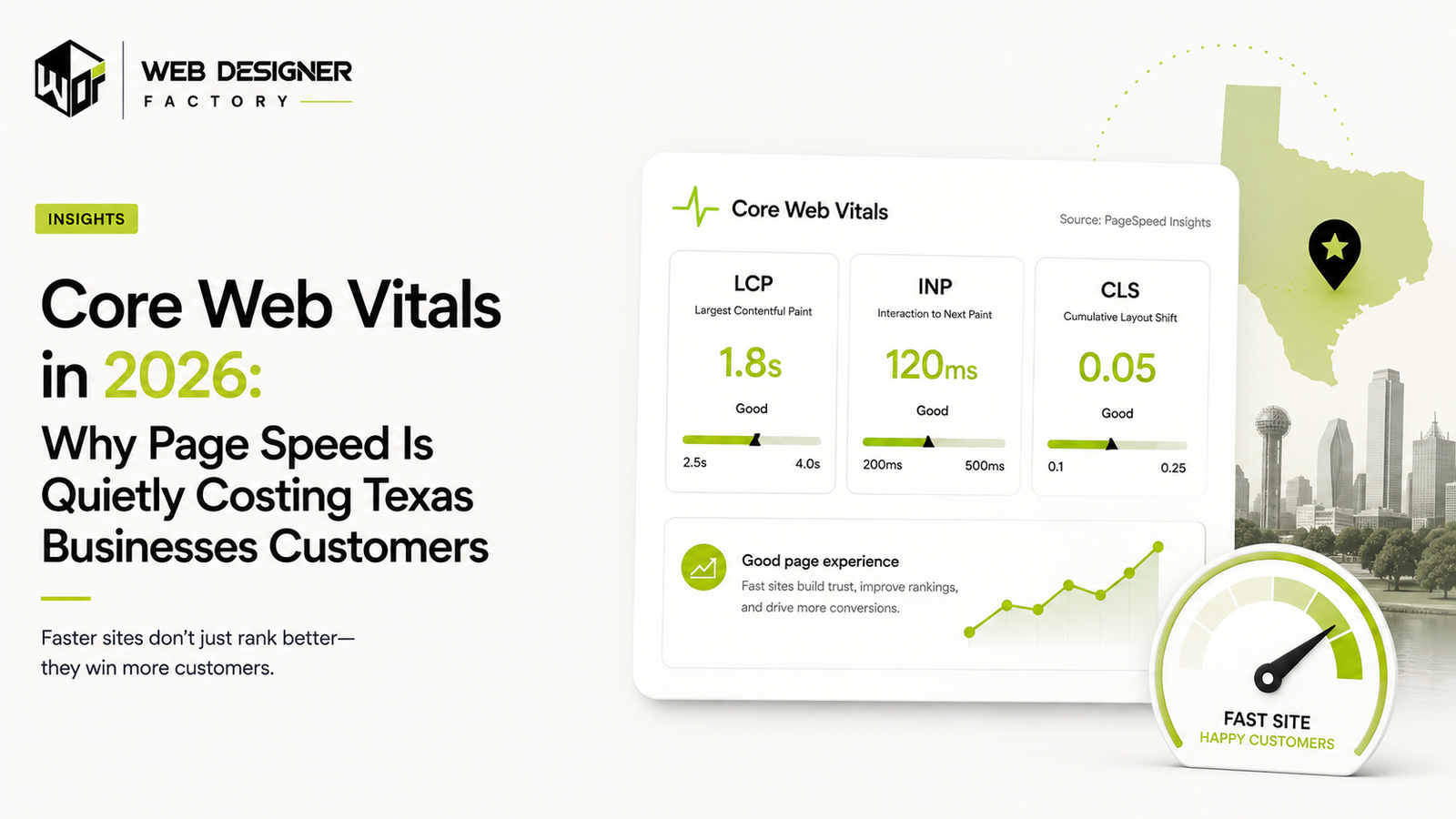
Core Web Vitals measure loading performance, responsiveness, and visual stability. Google says its ranking systems use these metrics, but good scores do not guarantee top rankings. They also help identify issues that can make a page harder to use. See Google’s page experience guidance.
What Core Web Vitals Actually Measure
The three metrics are Largest Contentful Paint (LCP), which measures when the largest eligible visible content element renders; Interaction to Next Paint (INP), which assesses responsiveness to clicks, taps, and keyboard interactions across a visit; and Cumulative Layout Shift (CLS), which measures unexpected layout shifts throughout the page lifecycle. See the Core Web Vitals definitions and thresholds.
The good thresholds are LCP at 2.5 seconds or less, INP at 200 milliseconds or less, and CLS at 0.1 or less, assessed at the 75th percentile of page loads and segmented by mobile and desktop. These field-data thresholds describe real-user experience. A controlled lab test can differ from field data because devices, connections, and interactions vary.
Why This Matters Beyond Rankings
Slow responses and unexpected layout shifts can interrupt a visitor’s task. A shifting button can cause a misplaced tap, while a delayed interaction can make a form feel unresponsive. The effect on conversions or abandonment depends on your audience and page. Tracking these alongside performance can help you understand what visitors experience on your own site.
How to Check Your Own Scores
PageSpeed Insights reports lab measurements and Chrome User Experience Report field data when sufficient data is available. Search Console’s Core Web Vitals report groups URLs using field data. Use lab tests to investigate causes and field data to understand real-user experience. Google’s page experience documentation explains how these measurements fit into the wider search experience.
Performance Issues Worth Checking on Small Business Websites
Uncompressed, oversized images
Oversized images can contribute to slow LCP when an image is the largest content element. Responsive sizing, compression, and suitable formats such as WebP or AVIF can reduce transferred bytes, but the result and visual tradeoffs depend on the asset. Test the image’s delivery and quality using web.dev’s LCP guidance.
Loading every plugin and script on every page
Booking widgets, chat tools, marketing pixels, and other scripts can add processing work. They may affect INP when execution delays an interaction or its next paint; loading a script does not automatically increase INP. Measure which tasks cause delays before removing, deferring, or splitting work. See web.dev’s INP guidance.
No reserved space for ads, embeds, or dynamic content
Images, embeds, and dynamically inserted content can cause layout shifts when they appear without reserved space. Depending on the component, image dimensions, aspect-ratio, or an appropriate minimum-height can help. Not every late-loading element needs a fixed height. See web.dev’s CLS guidance.
Web fonts that cause a visible layout jump
A font swap can change text dimensions when the fallback and final fonts have different metrics. font-display controls text display during loading, and selective preloading may make critical fonts available sooner, but neither guarantees that shifts disappear. Test font loading and fallback metrics together using web.dev’s font guidance.
Treating a lab score as the whole story
A single Lighthouse run measures a controlled lab scenario. Field data reflects eligible real-user visits over time, including different devices, connections, and interactions. Use the two as complementary evidence, as explained in the PageSpeed Insights documentation.
Fixing it once and never checking again
Changes to templates, images, scripts, and third-party tools can affect performance. Web Designer Factory recommends checking after material releases and monitoring field data when available. Choose a monitoring cadence that suits your site’s traffic and rate of change.
Page Experience and Search Eligibility
Google’s AI features documentation says established SEO practices still apply and there are no additional technical requirements for AI Overviews or AI Mode. To appear as a supporting link in these features, a page must be indexed and eligible to appear in Google Search with a snippet. Keep your content crawlable and accessible, and use performance improvements to make it easier for visitors to read, browse, and get in touch.
Sources and methodology
Metric definitions and thresholds come from web.dev, ranking context from Google Search Central, and field-versus-lab distinctions from the PageSpeed Insights documentation. Implementation suggestions and monitoring cadence are Web Designer Factory practitioner guidance. Performance results vary by site and audience; these recommendations do not guarantee conversions, rankings, or AI citations.